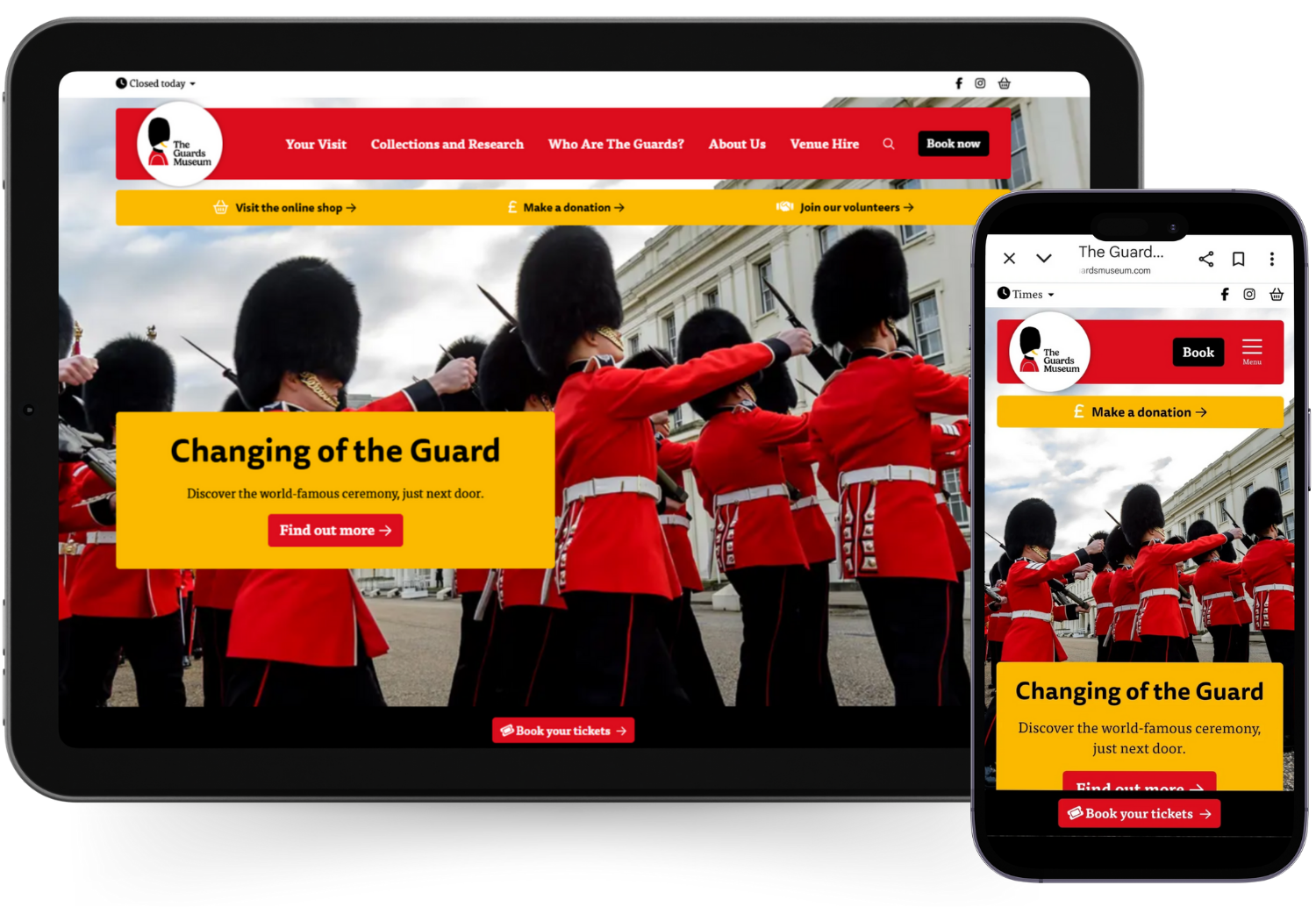
Bring your attraction to life online...

Trusted digital partners for over 70 attraction brands
We help attractions, zoos, museums, heritage, immersive entertainment and tourism brands, from simple single locations to complex multi-brand / multi-location organisations.
What's New
Explore our latest updates and advice, or go to LOOP news for more industry insights and platform news.


LOOP By Semantic is our purpose-built website platform for attractions, leisure, health, heritage and hospitality brands. With a whole host of features tailored to the industry, LOOP powers websites for wildlife attractions, museums, theme parks, resorts and more.
You can get up and running fast, with low setup costs and ongoing updates included.
Why attractions choose us?
Because we specialise in visitor attractions, we already understand your world - the seasonal pressures, the ever-changing priorities, the need to sell the experience online. We're ready to deliver flagship attraction website solutions without the hassle:
- Website solutions built for the sector
- Easy, intuitive, dev-free and scalable systems
- Live in weeks, not months
- Always evolving so you can keep pace with shifting technology and guest expectations
Trusted by the sector's best
70+ attraction brands trust Semantic and our LOOP platform, from independent venues to major operators. Backed by Sir Nick Varney, former CEO of Merlin Entertainments (read more).